
01
Journalists and Researchers
Interviews, field recordings and focus groups turn into quotable, timestamped documents on deadline. Speaker labels make attribution reliable enough to cite directly from the transcript.
Free online transcription in 100+ languages — accurate text in seconds.
3 free transcriptions per day·No credit card required
Drag & Drop
MP3, WAV, OGG, AAC, FLAC, M4A, WMA, OPUS, MP4, MOV, AVI, WEBM, MKV, FLV, WMV
— OR —Run as many files as the work demands, with no per-minute counter draining quietly in the background.
An hour of audio comes back in minutes, so the transcript is ready long before the notes go stale.
Single files up to ten hours and 5GB, enough for full-day conferences, depositions and course recordings.
MP3, WAV, M4A, AAC, FLAC, OGG, OPUS, WMA, MP4, MOV, MKV, WEBM, AVI and more, uploaded exactly as they are.
Export to DOCX, PDF, TXT, SRT, VTT, CSV, XLS or XLSX from one job, as many times as you need.
Recordings are processed in parallel rather than in real time, so an hour of speech returns in minutes.
Clear speech transcribes at around 99% accuracy, with punctuation, casing and paragraph breaks already in place.
Upload any common container straight from your drive. Nothing has to be converted first to be readable.
Voices are separated into labelled turns, so an interview or a panel reads like a script instead of a block.
Transcribe speech in 98+ languages, making it easy to turn recordings from around the world into accurate, readable text.
Files move over encrypted connections, never appear in any public library, and stay yours to delete at any moment.
Cubva is a transcription platform built around three jobs that normally take three separate tools. It converts speech inside audio and video into accurate, timestamped text across more than 100 languages, with every speaker separated into their own labelled turn. It translates a finished transcript or subtitle file into over 130 languages without asking you to upload the source again. And it converts the media itself, moving between audio formats, between video formats, or lifting an audio track out of a video before any of it becomes text. One upload can therefore end its life as a Word document, a PDF, plain text, a subtitle track, a spreadsheet, or a converted media file, in whatever combination the work calls for.
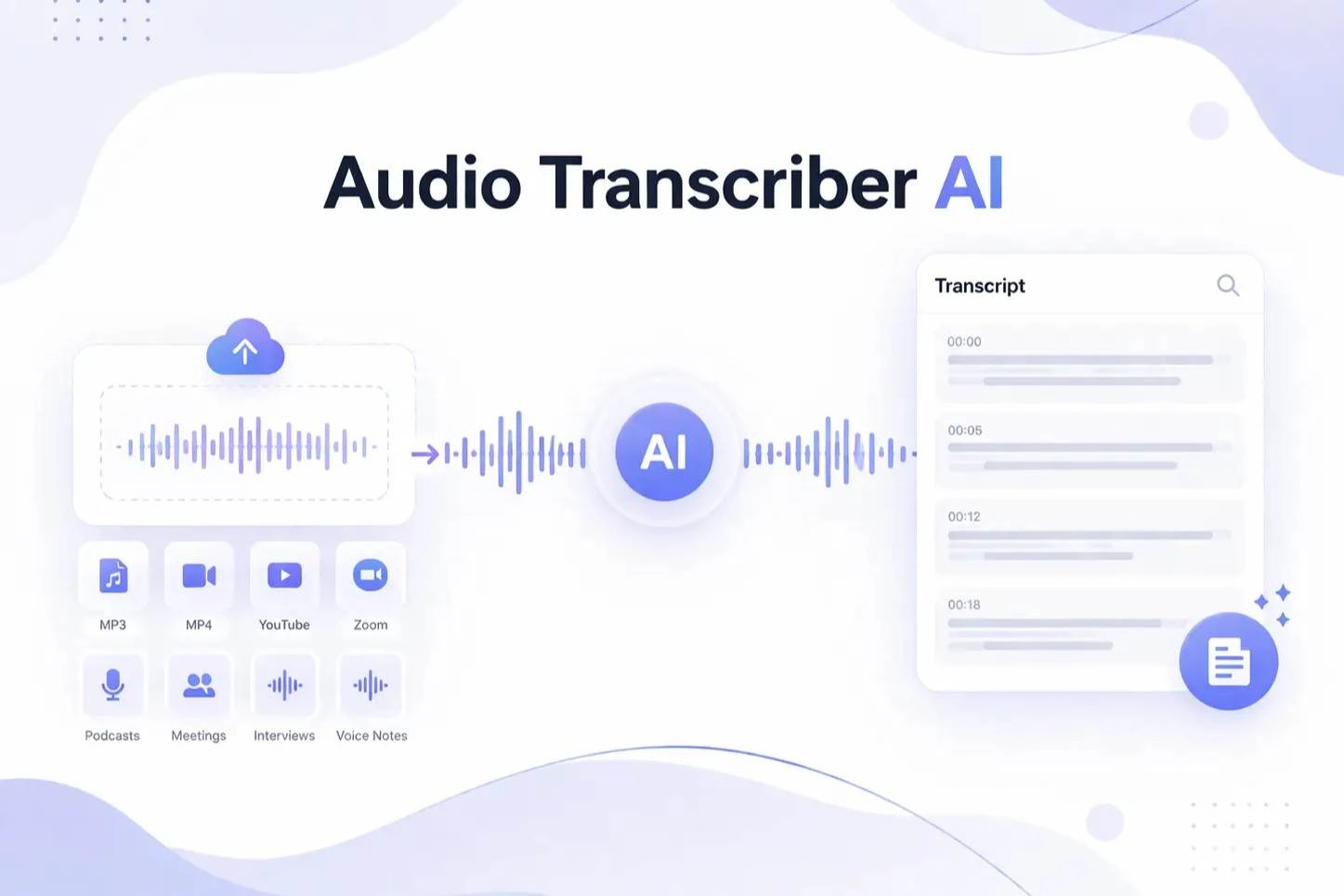
Drag in a file, drop a whole batch, or paste a link. Any common audio or video format is accepted as it is, at up to ten hours per file.
Let the language detect itself or pick from over 100. Switch on speaker recognition, then decide whether the job should produce a document, subtitles, a translation, a converted media file, or all of them.
The transcript opens in an editor where you can correct a name or tidy a pause. Export as many formats as you like from the same job, free to start.
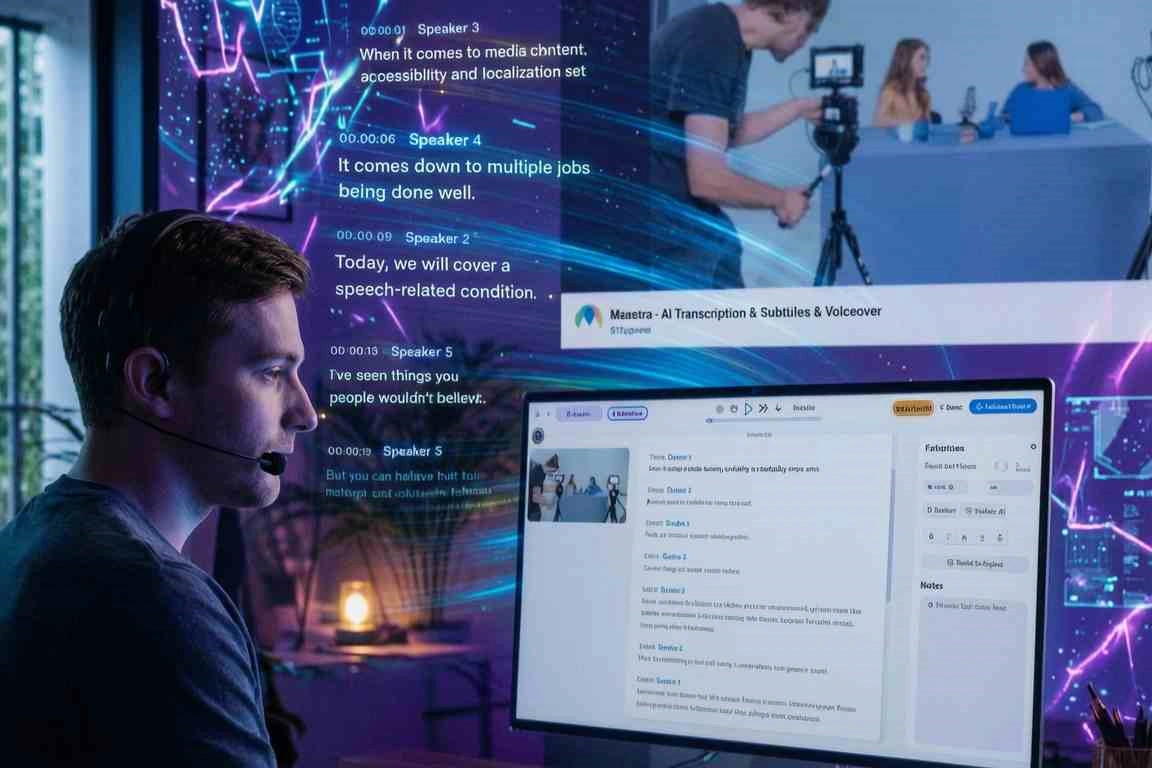
Long-form conversation is where transcription earns its place. A two-hour interview, a board meeting or a full lecture returns split by speaker with a timestamp on every line, in whichever of the 100+ supported languages it was recorded in. What used to be a day of typing becomes a document you can search, quote and hand to a colleague before that day is over.
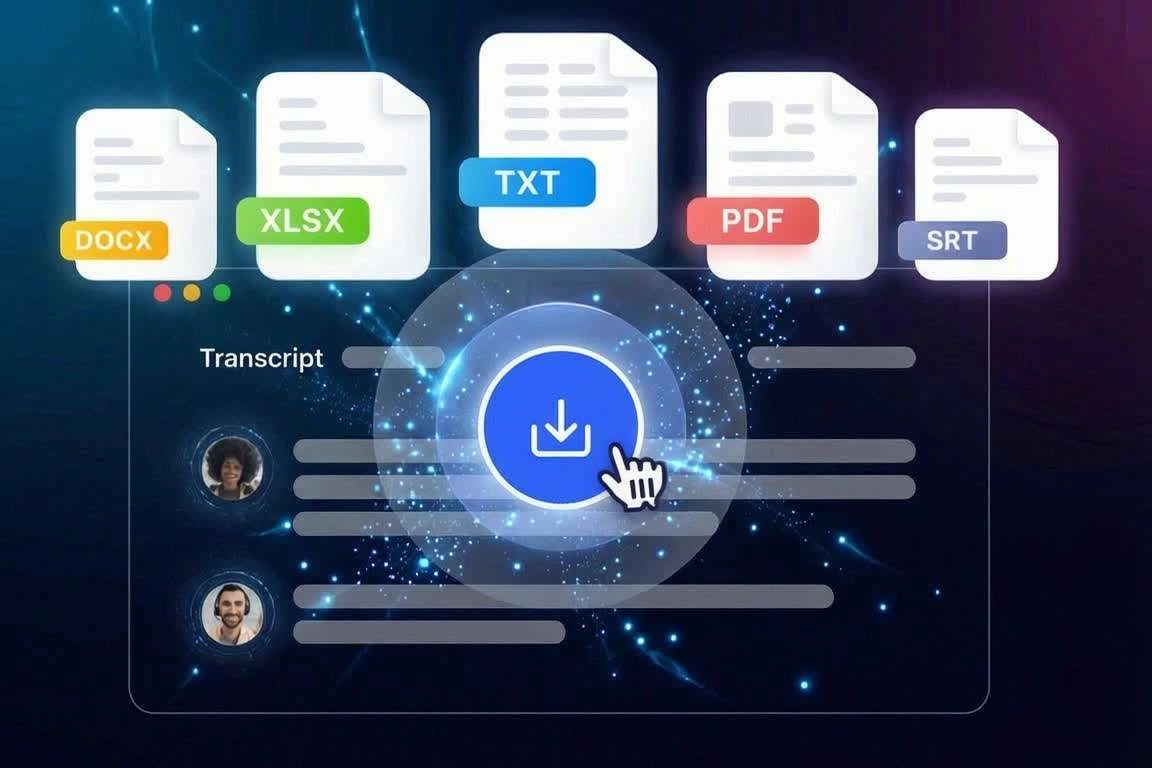
Every video reaches further with captions, and timing them by hand is the slowest part of finishing a cut. Cubva builds cue timings from the speech itself, so an SRT or VTT export drops onto the timeline already aligned and breaks at natural pauses rather than mid-sentence. A single pass produces both the transcript for the page and the captions for the player.
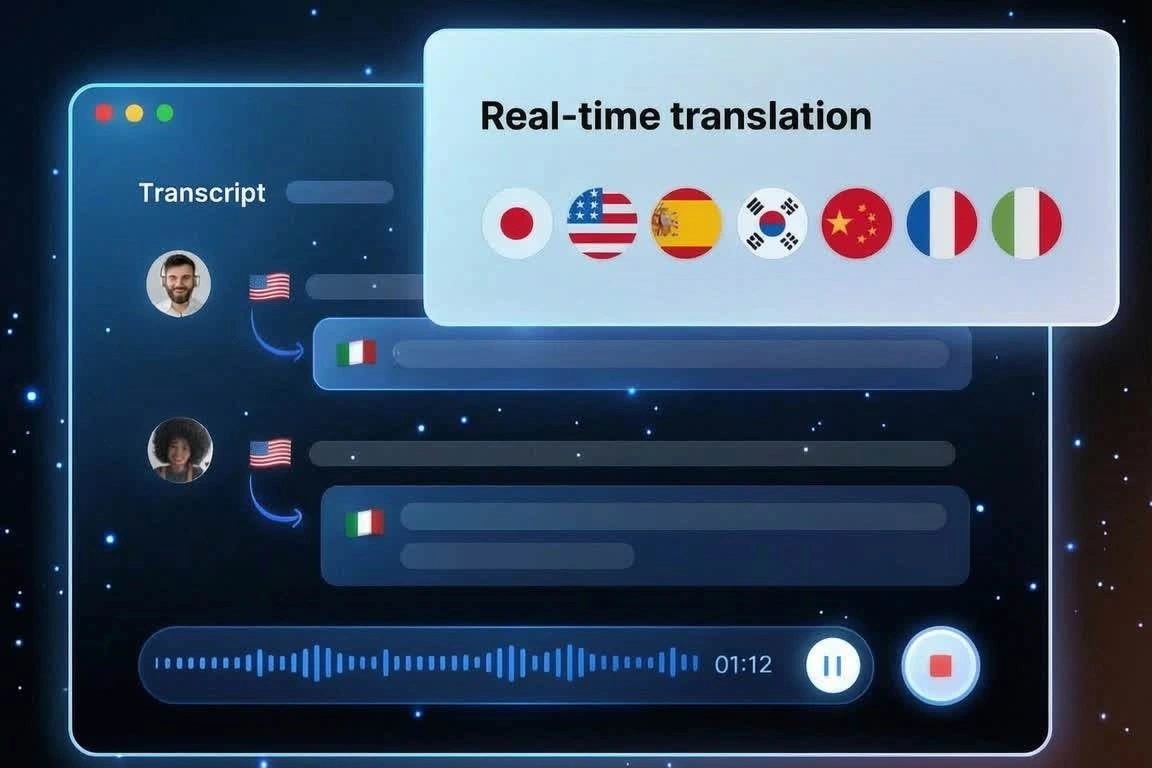
A recording made in one language rarely stays useful in only that language. Once the transcript exists, translate it into more than 130 languages without uploading anything again, then export the translated version as a document or a subtitle track with its timing intact. One webinar becomes a version for every market a team serves.
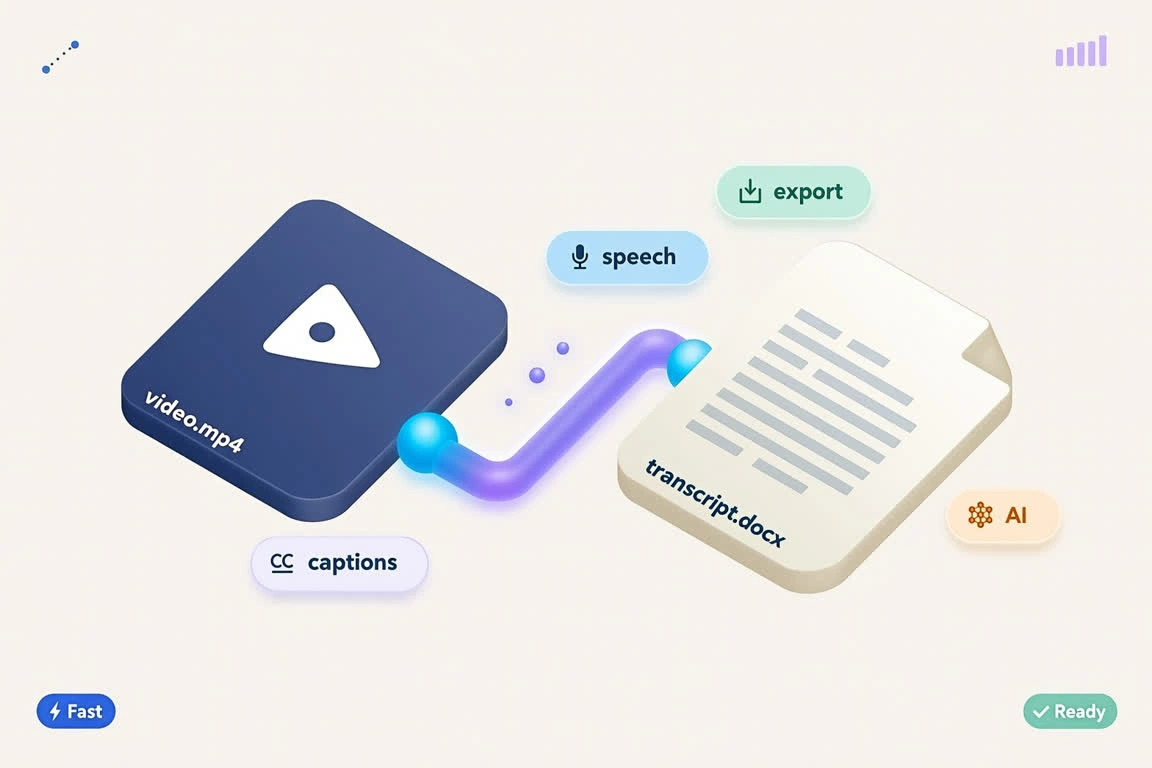
Not every project starts with a file the next tool will accept. Cubva converts audio to audio, video to video and video to audio, so a MOV becomes an MP4, a WAV becomes an MP3, or a conference recording becomes an audio-only file at a fraction of the size. Convert first and transcribe afterwards, or ask for both in the same pass.
“Unlimited Actually Means Unlimited”
From 12,480 Reviews
We shot ninety hours of interviews for one documentary and I braced for an overage bill that never came. Running the whole archive through in a week changed how we plan shoots.
— Unlimited Actually Means Unlimited
Depositions run all day and every other service made me chop them into chunks that then lost their numbering. Uploading the full recording in one piece removed an entire step from my process.
— Ten-Hour Files Without Splitting
Six people in a research session used to mean six passes through the audio to work out who said what. The labelled turns arrive correct often enough that I only spot-check the crosstalk now.
— Speaker Labels Save Me Hours
We used to transcribe in one place and translate in another, which meant reconciling two files every time. Doing both in one job cut our turnaround for regional releases roughly in half.
— Translation Without a Second Tool
I upload the rough cut while the final export is still processing and the SRT is waiting when it finishes. The timing holds across a forty-minute video, which my editor's built-in tool never managed.
— Captions Ready Before the Render
My lectures include a lot of terminology that usually turns into nonsense. Most terms came through correctly, and fixing three or four words is nothing next to typing an hour of audio.
— Accurate Enough to Publish From
A press conference ends and we need quotes within twenty minutes or the story is late. The transcript is back before I have finished writing the intro, which is the only reason we adopted it.
— Fast Enough for a Newsroom
Guests send me whatever their phone recorded and half of it needed converting before I could work. Handling the conversion and the transcript in the same place removed a tool from my stack.
— Format Conversion Built Right In
Our recordings contain material I cannot put through a consumer service without a conversation with legal. Encrypted transfer and files we control outright is what got this approved internally.
— Private by Default, Which Mattered
Interviews, field recordings and focus groups turn into quotable, timestamped documents on deadline. Speaker labels make attribution reliable enough to cite directly from the transcript.
Captions, paper edits and translated releases all come out of one upload instead of three tools. Subtitle files arrive aligned, so the sync pass disappears from every delivery.
Hearings, consultations, training sessions and client calls become searchable records rather than untouched files in a drive. Encrypted handling and full deletion control keep that record defensible.
One-off payment, no subscription. Pick the plan that fits you.
Secure checkout with multiple payment methods.
Cubva converts audio and video into accurate text, translates that text into other languages, and converts media files between formats. All three run from the same upload, so one recording can produce a document, a subtitle file and a converted media file together.
Yes. There is no per-minute meter and no monthly cap counting down while you work. Upload one file or a hundred, and long recordings are treated the same as short ones.
Up to ten hours and 5GB per file, which covers a full-day conference, a deposition or an entire course module. Files that long do not need splitting, so numbering and timestamps stay continuous.
Every common container is accepted directly, including MP3, WAV, M4A, AAC, FLAC, OGG, OPUS, WMA, MP4, MOV, MKV, WEBM, AVI and WMV. Nothing needs converting first, because the audio is extracted automatically when the source is a video.
DOCX, PDF, TXT, SRT, VTT, CSV, XLS and XLSX are all available from the same job. Spreadsheet exports give you one row per segment with separate start time, end time, speaker and text columns.
Speech is transcribed in more than 100 languages with automatic detection, and finished transcripts can be translated into over 130. Recordings that switch between two languages work best when you set the primary one manually.
Turn on speaker recognition and each voice is separated into its own labelled turn with timestamps. Interviews, panels and meetings benefit most, while a single-narrator recording usually reads better with it switched off.
Yes, and the source file does not need uploading again. Pick a target language from the finished transcript and export the translated version as a document or as subtitles with the original timing preserved.
You can. Conversion runs as its own job, whether that is video to video, audio to audio, or pulling an audio-only file out of a video. Transcription is an option on top, not a requirement.
Uploads and downloads travel over encrypted connections, nothing you process appears in any public library, and you can delete a file and its transcript whenever you choose. Your recordings are used to produce your output and nothing else.